Christmas Stocking Coloring Page by the Fireplace
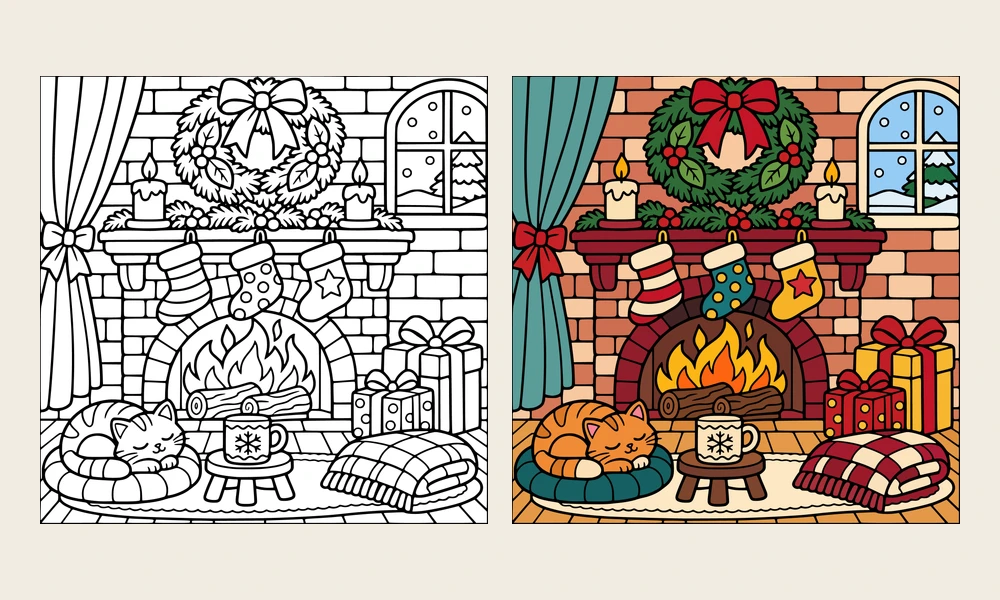
Stripes, dots and a star make three different stockings. Give each one a palette, then bring the fireplace corner together with a few repeated colors.
Pick one stocking to color first
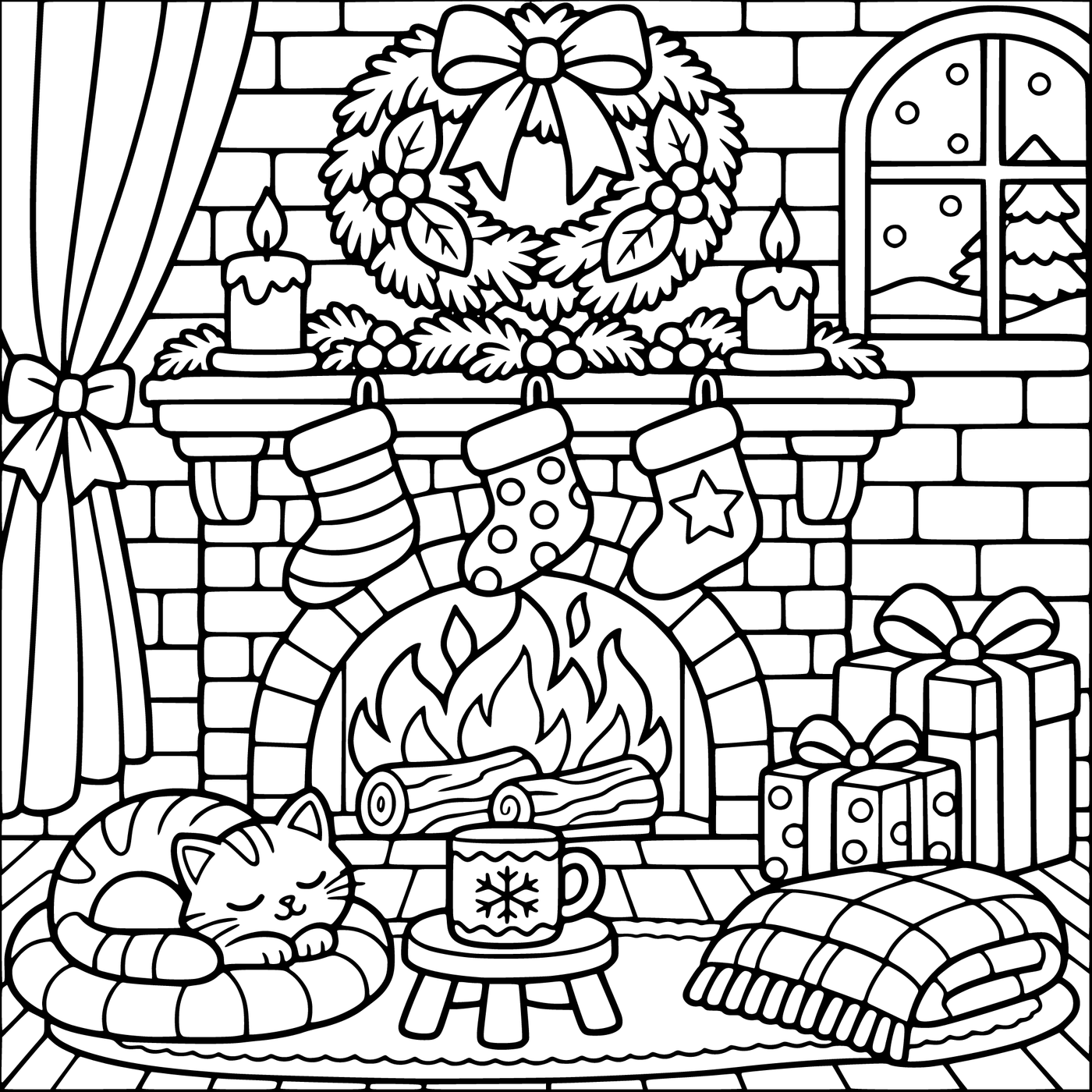
This MoodMirror Christmas scene has three stockings with different patterns. One has stripes, one has dots and one has a single star. Below them, a sleeping cat, a mug and wrapped gifts sit beside the fireplace.
Open the online canvas to fill each pattern, or download the square PNG for paper coloring. Choose Fit to page when printing so the wreath and the rug fit inside the margins. A full-size print leaves more room for the small berries and brick shapes.
Color the stockings and fireplace online
Try a different pattern on each stocking
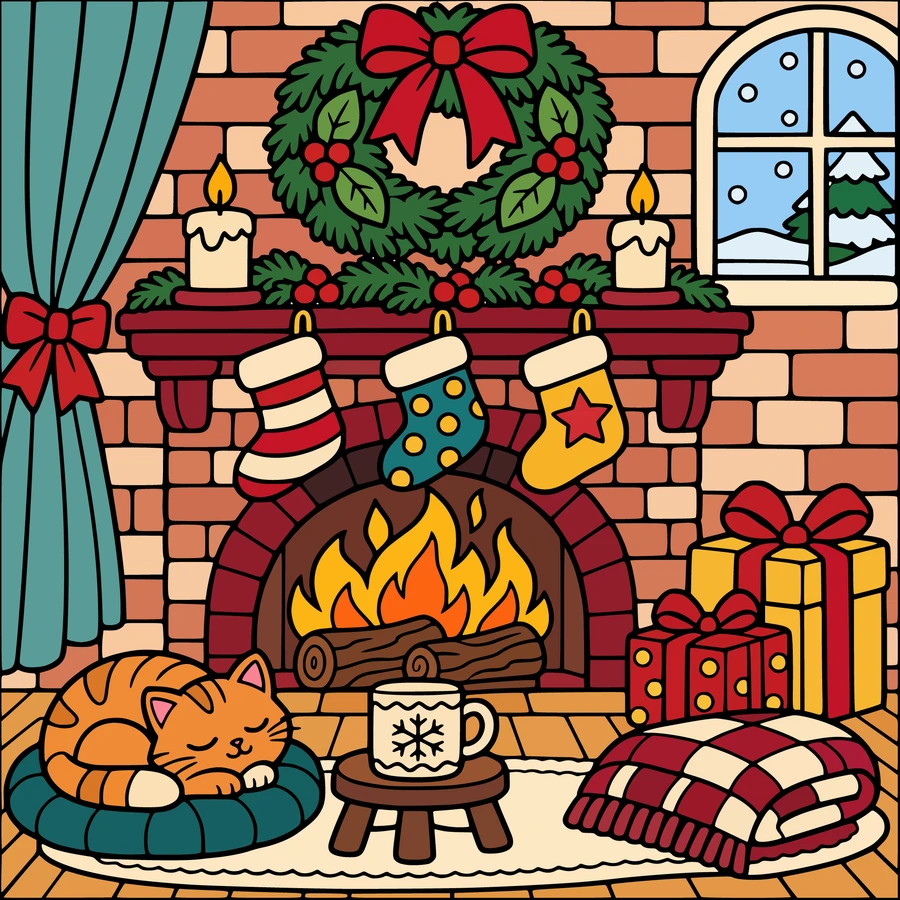
On the striped stocking, alternate red and cream. On the dotted one, use teal for the body and gold for the dots. Give the third stocking a gold body and a red star. You can keep all three cuffs cream to give the group one shared detail.
Before filling a whole stocking, try one stripe or one dot. If two colors look too similar, change their lightness. A pale dot is easier to see on a dark stocking than two mid-tone colors next to each other.
Repeat the colors around the fireplace
Use green on the wreath and repeat red on its bow and berries. The mantel can take a deeper red. Warm cream and muted terracotta on neighboring bricks give the wall variety while leaving the stockings easy to spot.
For the fire, use yellow on a few flame sections, orange in the larger areas and brown on the logs. A dark background inside the arch makes the flames stand out. You can leave the candles cream and repeat the flame yellow on their small tips.
Give the cat and blanket a quieter palette
Try a ginger cat on a teal cushion, or a gray cat on a rose cushion. The blanket’s checked areas are a good place to repeat two colors you have already used. Keep the rug light so the foreground does not become too busy.
Save the thin ribbons, mug motif and wreath details for a closer view. The web editor lets you zoom in, undo a fill and download the finished PNG. On paper, you can leave a few small areas white as part of the palette.
Make room for a little drawing
Try an open canvas or a coloring template in MoodMirror, and add a mood journal entry if you feel like reflecting.
Try MoodMirror